All your Projects
One Home
Every project on your machine is its own pile of terminals, dependencies, and half-remembered scripts.
Idle projects shrink to reclaim your disk
Scripts, logs, and CI runs a keystroke away
Terminals and agents right where you left them
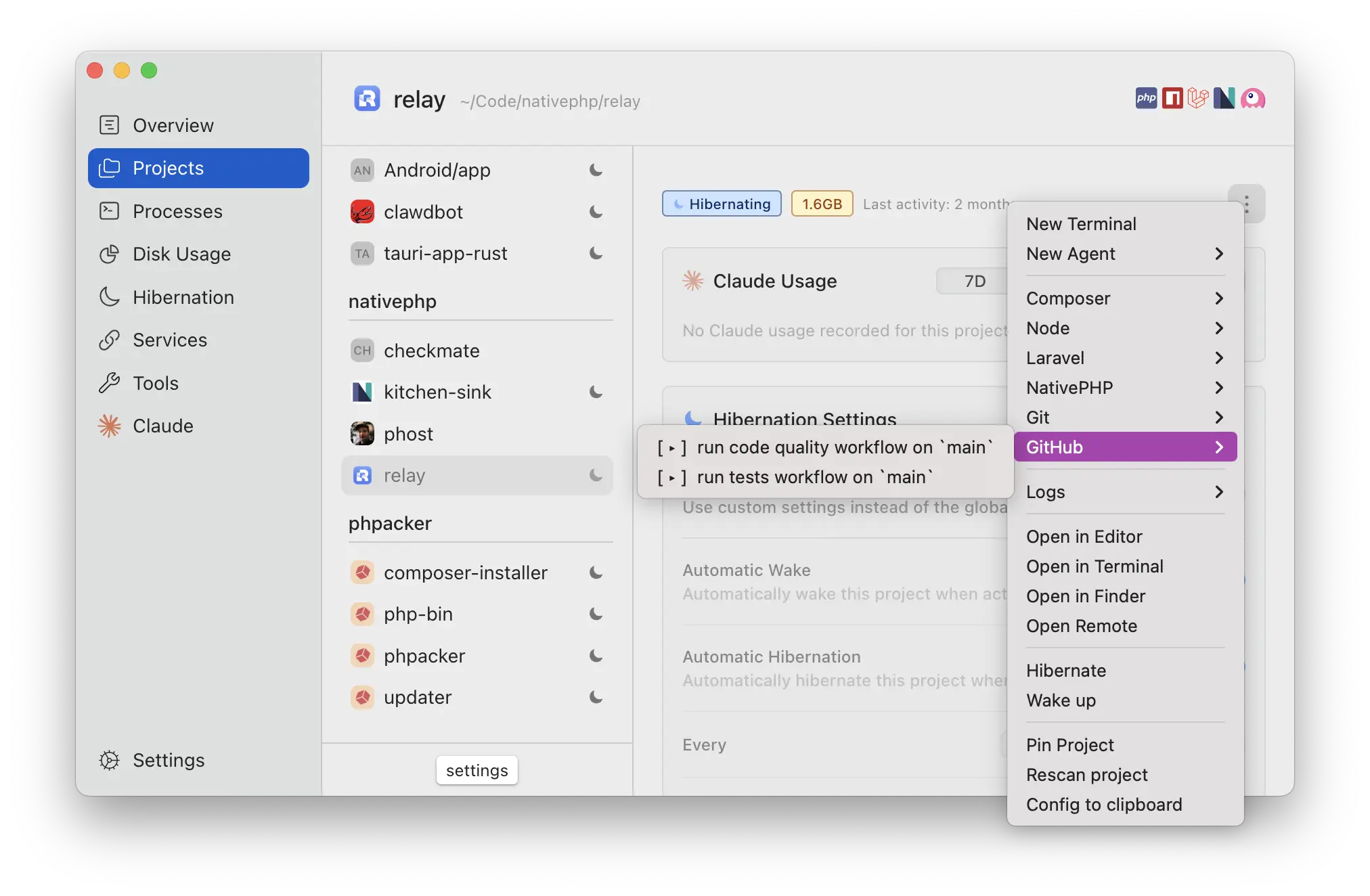


Every project, fully wired up
Devkeepr reads each project's stack and lays out everything it can do: scripts, Git, logs, CI, hibernation. The same actions follow you to the menu bar, command palette, and the dk CLI.
See where your disk goes
A live breakdown of what your projects cost, grouped by stack or by project. Hibernate the idle ones to reclaim the space; your setup comes back the instant you reopen them.
Everything you run, in one window
Dev servers, agents, build scripts, and CI runs, grouped by project and waiting where you left them after a reboot. Resume an agent in a click, or hand a failed run to one to fix.
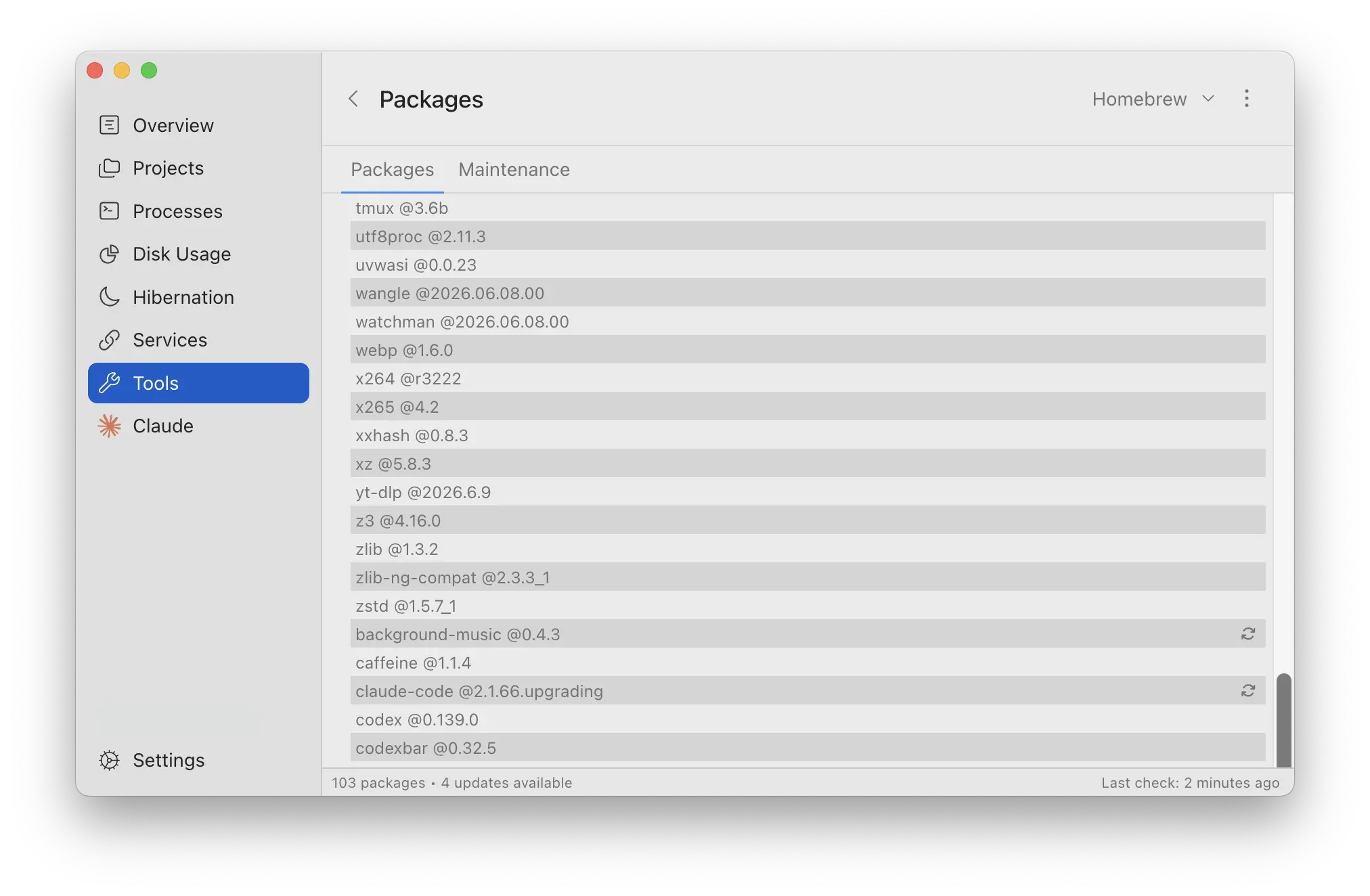
Your global toolchain, current
Track and schedule updates for Homebrew, npm, Composer, and more, so the tools behind every project stay up to date on their own.
Your Project command center
A single interface that puts your projects, and everything running in them, at your fingertips
Run scripts and CI workflows from anywhere. Spin up terminals and agents that stay with their project, ready to pick back up tomorrow
Smart Hibernation
Idle projects stay small by intelligently deleting dependencies, cache and build files
They wake up instantly the moment you start working
Global Updater
Keeps your global dependencies up to date with scheduled updates
Disk Usage Dashboard
See exactly where your disk space goes across all projects at a glance
Git Auto-Sync
Automatically fetch and prune remote branches so your repos stay up to date
Workflow Monitor
Stay notified on CI/CD workflows without leaving your IDE
Deployment Watcher
Watch deployments across your favorite platforms in real-time
CLI Tool
The
dk CLI is the fastest way to navigate your projects in the terminal. Period.
Works with your favorite stack
Auto-detected. Nothing to configure.

How it works
Detects your stack
Automatically identifies 50+ frameworks and tools across PHP, Node, Python, Ruby, Go, Rust, .NET, and more
Watches everything
Detects git operations, IDE usage, and analyzes disk space across all your projects
Keeps it all in one place
Idle projects shrink to reclaim disk, then wake the instant you return. Branches sync, global packages stay current, and whatever you're running is right where you left it
Commit it. Share it.
Configuration lives in your project's devkeepr.yml file. Commit it, share it, and your entire team stays in sync
Schema-backed - your editor autocompletes and validates every option
Sensible defaults from stack detection, override only what you need
Most of it is free. Forever.
Smart Hibernation, the Process Window, terminals and agents, disk usage, and git sync are all free. Pro adds CI monitoring, deployment watchers, and the dk CLI when you want them. No tricks.
Windows version coming soon!
Be the first to know when it's ready.
